Edit
Audio and MIDI, with playlists and comping, fades, clip gain, Beat Detective and undo for everything.
 Melodom

Melodom is a free, open-source digital audio workstation that works the way Pro Tools users expect. Record, edit, mix and bounce on macOS.
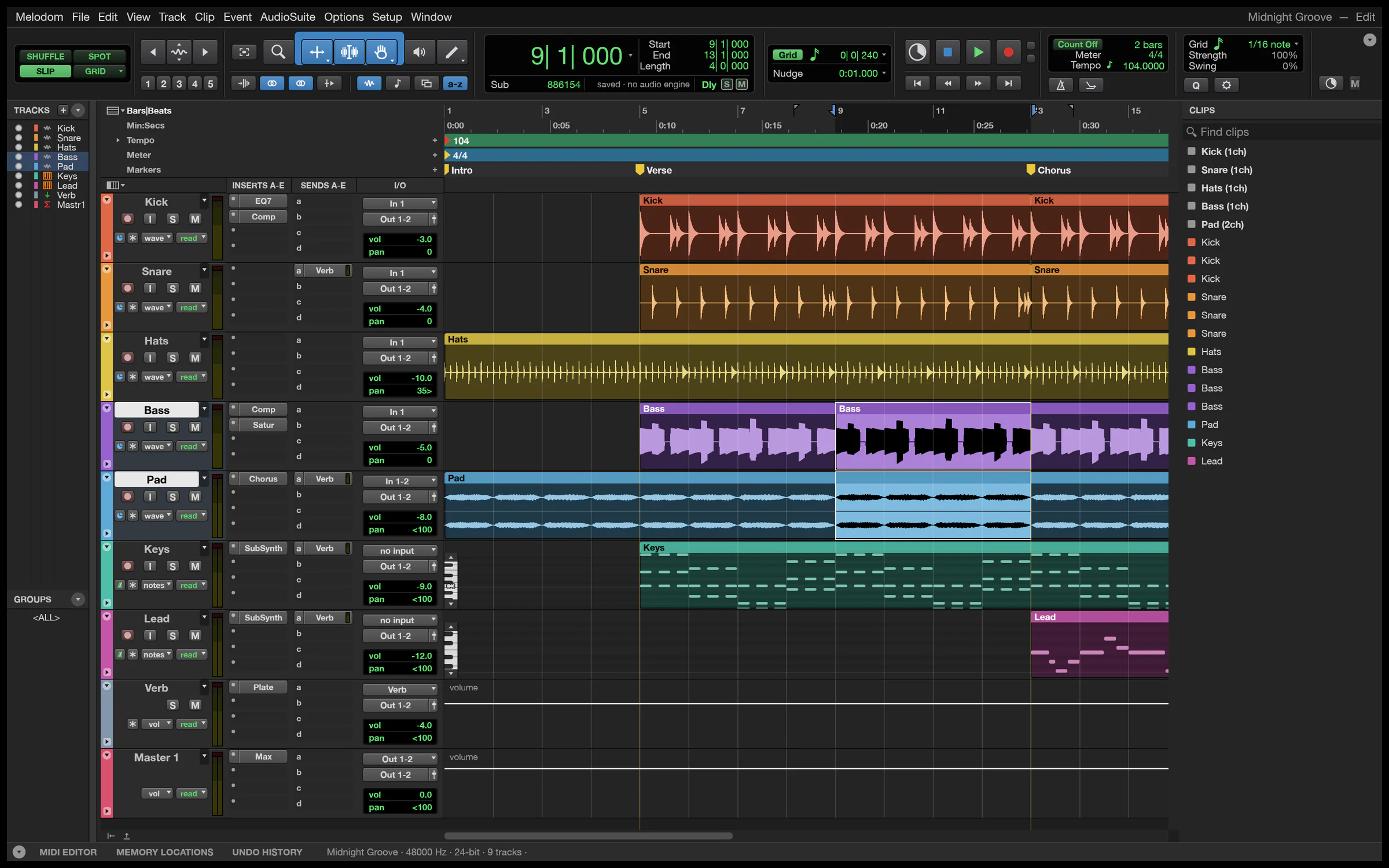
Audio and MIDI, with playlists and comping, fades, clip gain, Beat Detective and undo for everything.
Inserts, sends, busses and VCAs, automation written live from the faders, and automatic delay compensation.
Punch in, loop record and monitor through the full channel strip. Autosave brings your work back after a crash.
Original effects and instruments built in, and your own CLAP, VST3 and Audio Units with their own editors.
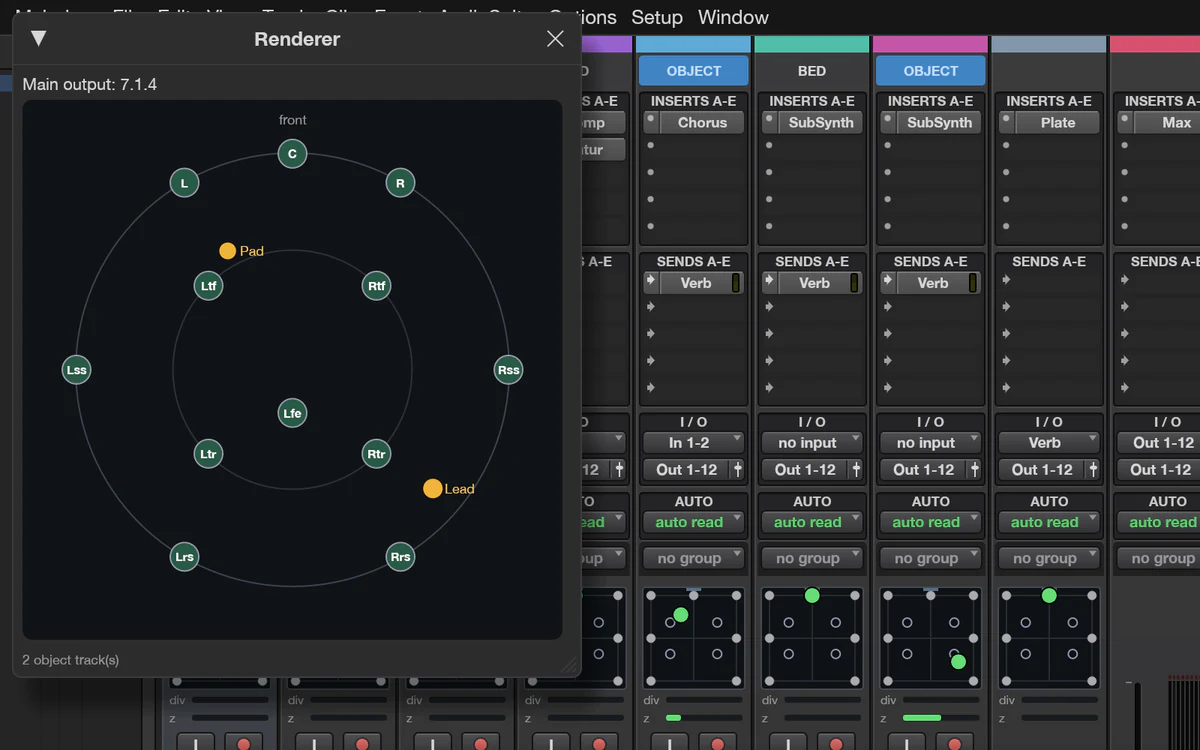
Video with timecode burn-in, surround up to 9.1.6 and Ambisonics, and a Score Editor for notation.
Every action is a command you can run from the command line or hand to an AI agent.
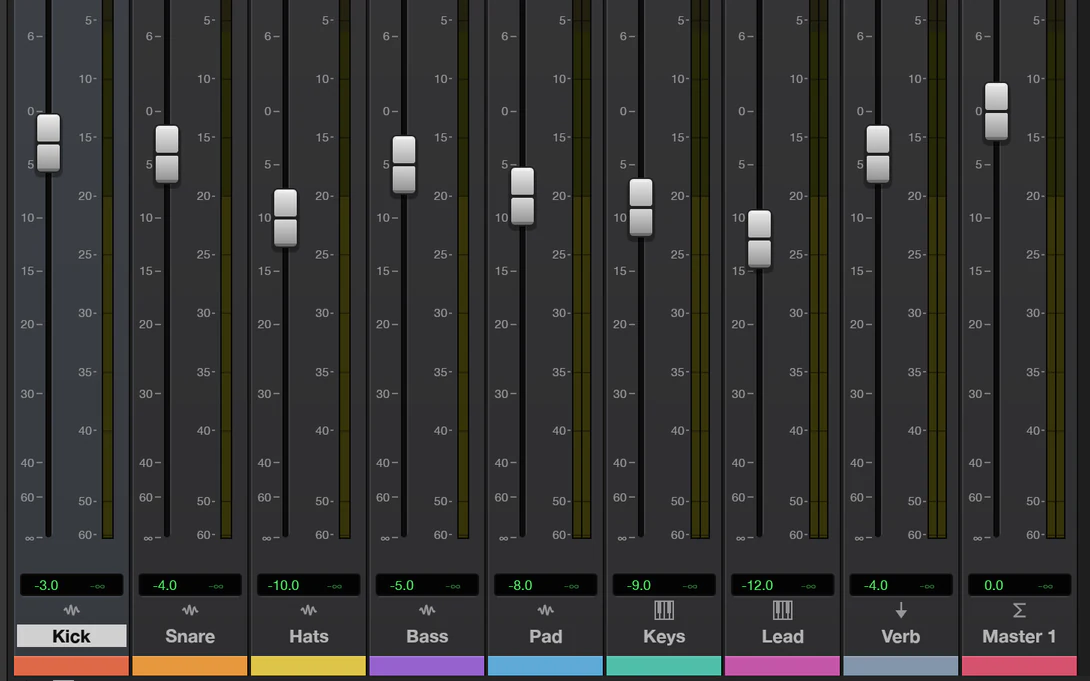
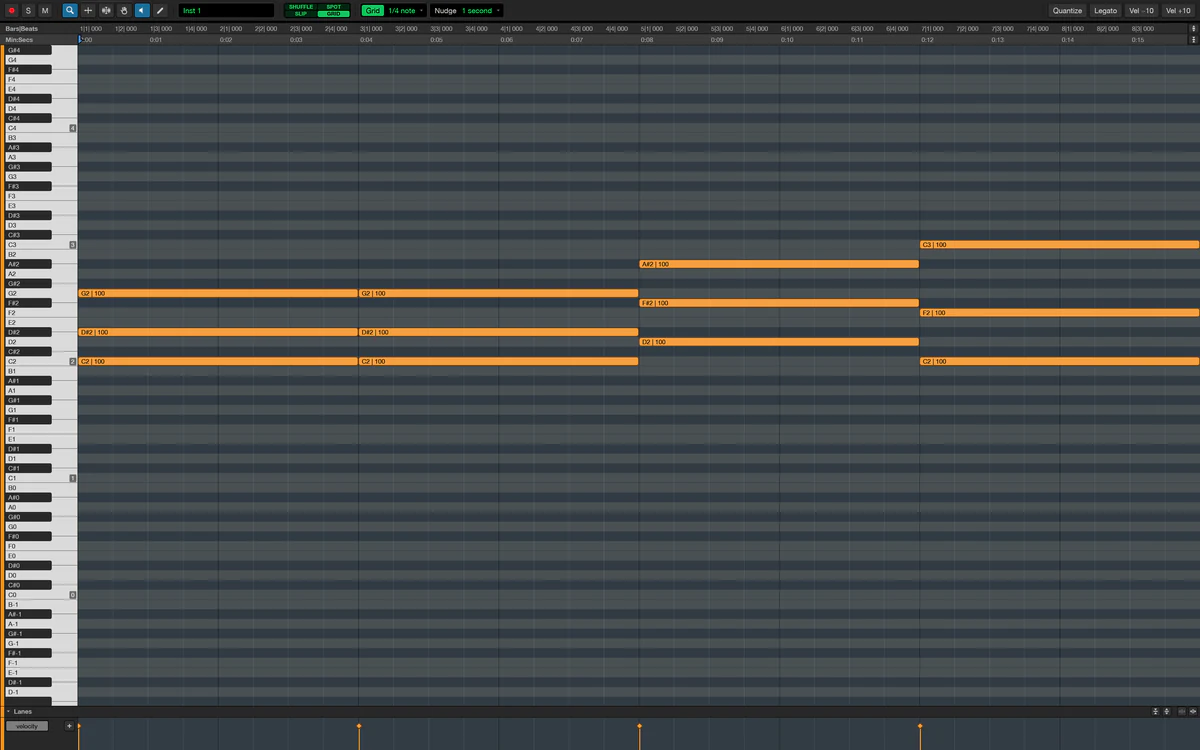
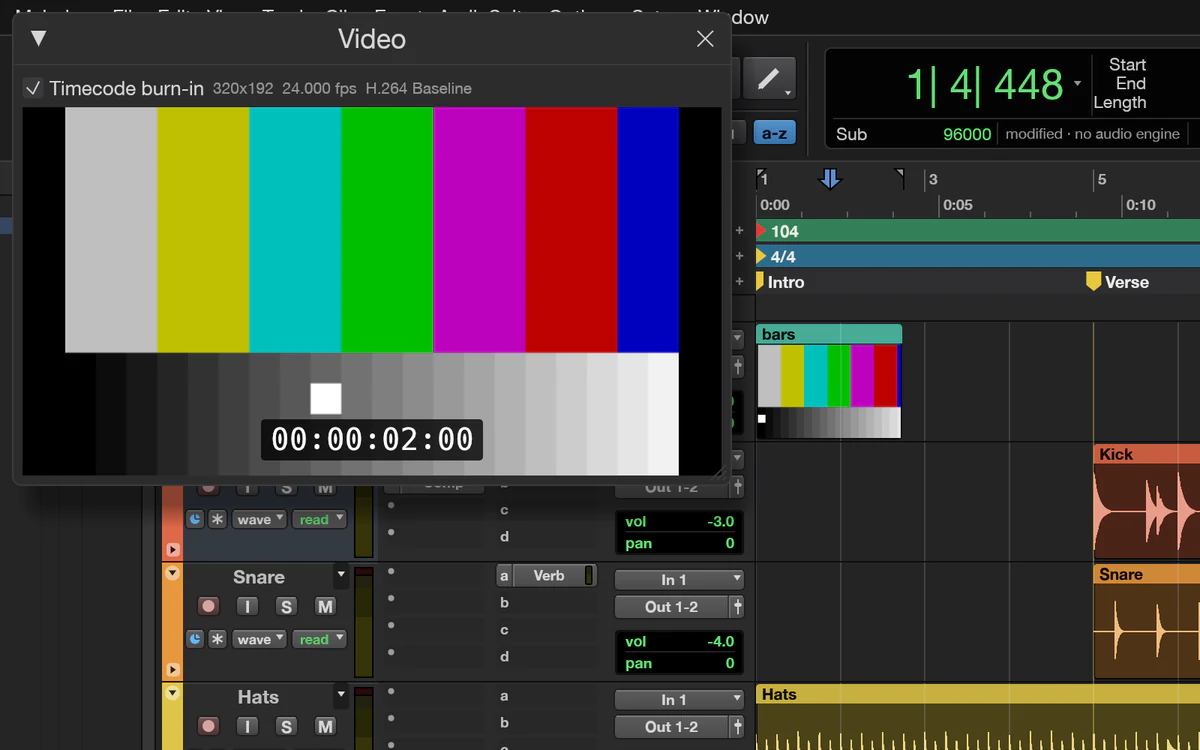
Drive a session from a script without opening the app, or give an AI agent a DAW through Melodom's MCP server.
# Turn the kick down, add an EQ to the bass and bounce the mix.
melodom-cli run --demo \
  --cmd 'mix.volume={"track":"Kick","db":-6}' \
  --cmd 'mix.insert={"track":"Bass","plugin":"eq_7band"}' \
  --bounce mix.wav

# Give Claude a DAW.
claude mcp add melodom -- melodom-cli mcp --demoDownload Melodom 0.7.0 for macOS 11 or later (Apple silicon and Intel), open the DMG and drag Melodom to Applications. Windows and Linux builds will follow once they've been tested.
It isn't notarized yet, so macOS stops it the first time: try to open it once, then click Open Anyway in System Settings › Privacy & Security.
Then press Space to play, ⌘= to switch between Edit and Mix, and open Setup › Keyboard Shortcuts for the rest.
Or build it from source on a Mac, with Rust 1.95 or later:
git clone https://github.com/grovebit/melodom
cd melodom
cargo run --release -p soundcraft -- --demoMelodom is pre-alpha. Recording, editing, mixing and bouncing work end to end, but it can't exchange sessions with Pro Tools yet, and it isn't ready for paid work. Bug reports and wishes are welcome in the issues.